
Any question, any camera.
“Watch the beverage aisle. Are there empty shelves or product gaps affecting more than 30% of the display? Alert if the condition is met.”
Describe in natural language what you want to control in each store. KSI runs the check with a vision model and notifies you only when something requires action.
No need to develop a vision model for every use case. You describe what you want to control, draw the area on the image, and KSI automatically runs the check on every camera, every day.
01 / HOW IT WORKS
One vision model, your operation
From a question in words to an actionable alert.
Define prompt + region of interest
You write what you want to observe and crop the relevant area on each camera’s image.
Scheduled execution
KSI captures a frame from each camera at the times you configure and passes it to the vision LLM.
Description + binary alert
Each camera receives a detailed description and a yes / no verdict. Only those that alert trigger notifications.
PIPELINE
Gen-AI Pipeline
“Does the condition described by the operator hold in the observed area?”
N cameras · region of interest per camera · scheduled execution
“KSI captures a frame from each camera at scheduled times”
“Inference on each cropped image”
No alert · majority
Condition not met
Alert · minority
Action required · review
02 / FLOW
How an alert is built - end to end
Configure, execute and report - in three steps. Same flow for any case.
Prompt + region of interest per camera
The operator describes what to observe and draws a rectangle on the image. KSI only evaluates that zone.
The LLM evaluates each camera
At configured times KSI takes a frame per camera and asks the vision model to respond to the prompt.
Centralized report and alerts
Consolidated list per store and camera with photo, description and verdict. Alerting cameras trigger notifications.
03 / NOTIFICATION
Close the loop - from alert to action
The alert reaches where your team already works. Multi-channel · by store and role.
Groups by store or role, with photo and verdict
Daily report + punctual alerts with attachment
SMS
For critical cases and stores without stable data
Microsoft Teams
Channel per region or business line
Your own management app
Send alerts as push notifications to the app your team already uses
Example: what the team receives
WhatsApp · Supervisors group
Alert · Store 12 · Cam 3375
The conditions of the configured prompt are met. Photo and description attached - review recommended.
Apr 22 · 08:40
Email · Operations management
Daily report · Apr 22, 2026
3 of 37 cameras triggered alerts in the morning execution. Photo + description included in the report.
Delivered · 08:45 · PDF attached
Teams · #operations channel
Resolved · Store 12
Action confirmed at 09:12. Next execution 18:00.
04 / USE CASES
One module · unlimited cases
Anything you can describe, KSI can control.
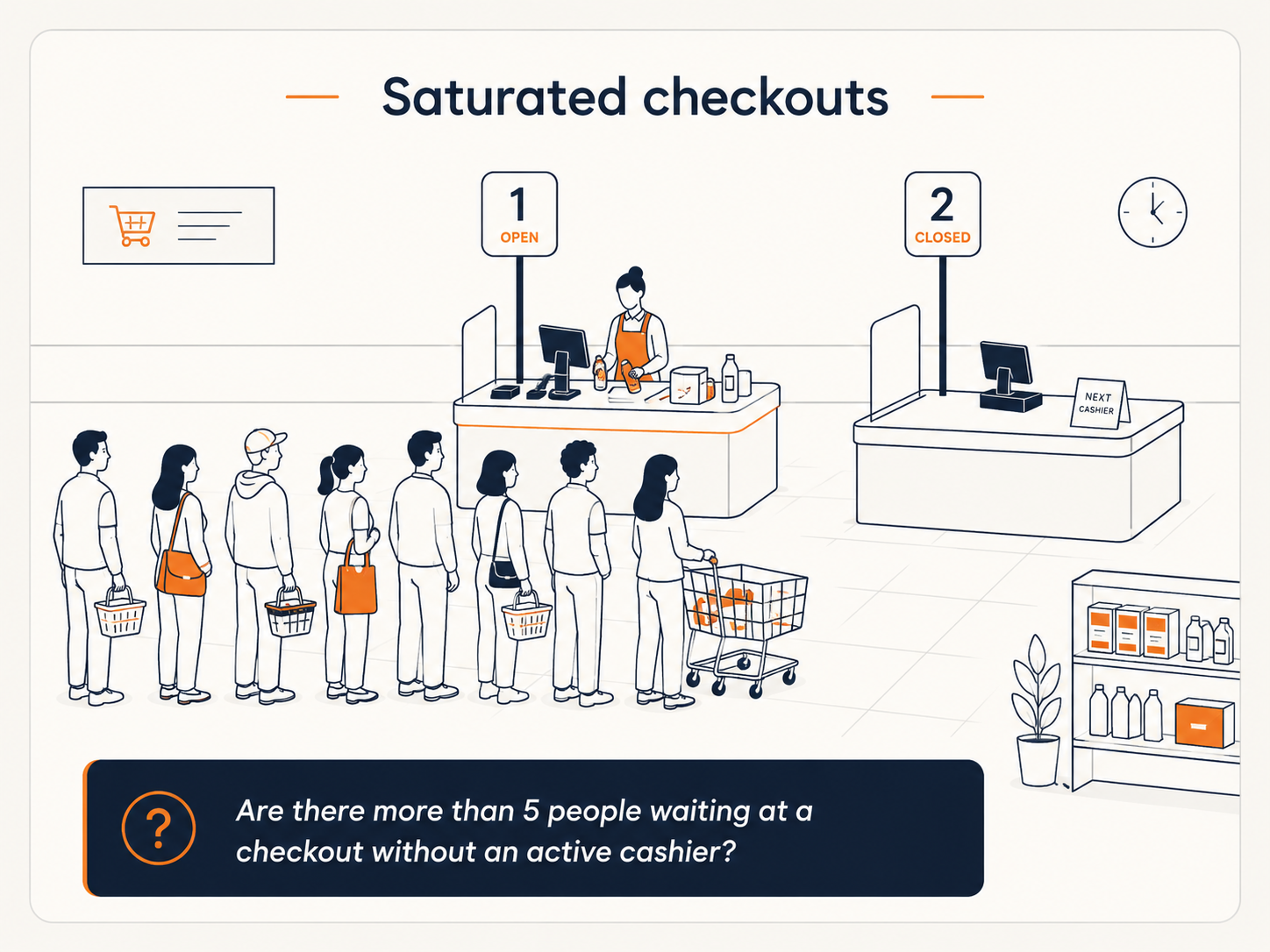
Saturated checkouts
Long lines and unstaffed registers during demand peaks.
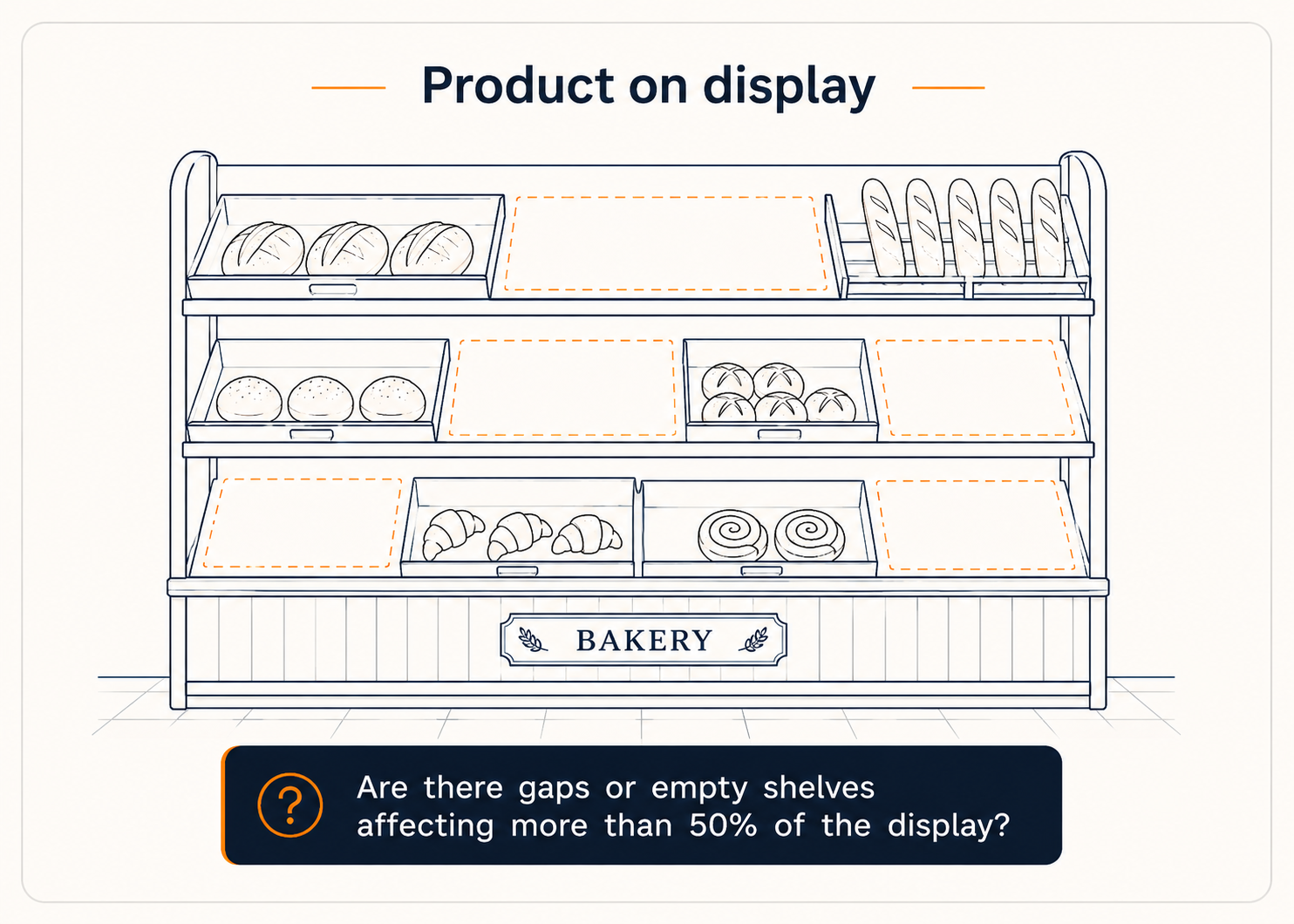
Product on display
Gaps in shelves, empty racks or displays without visible product.
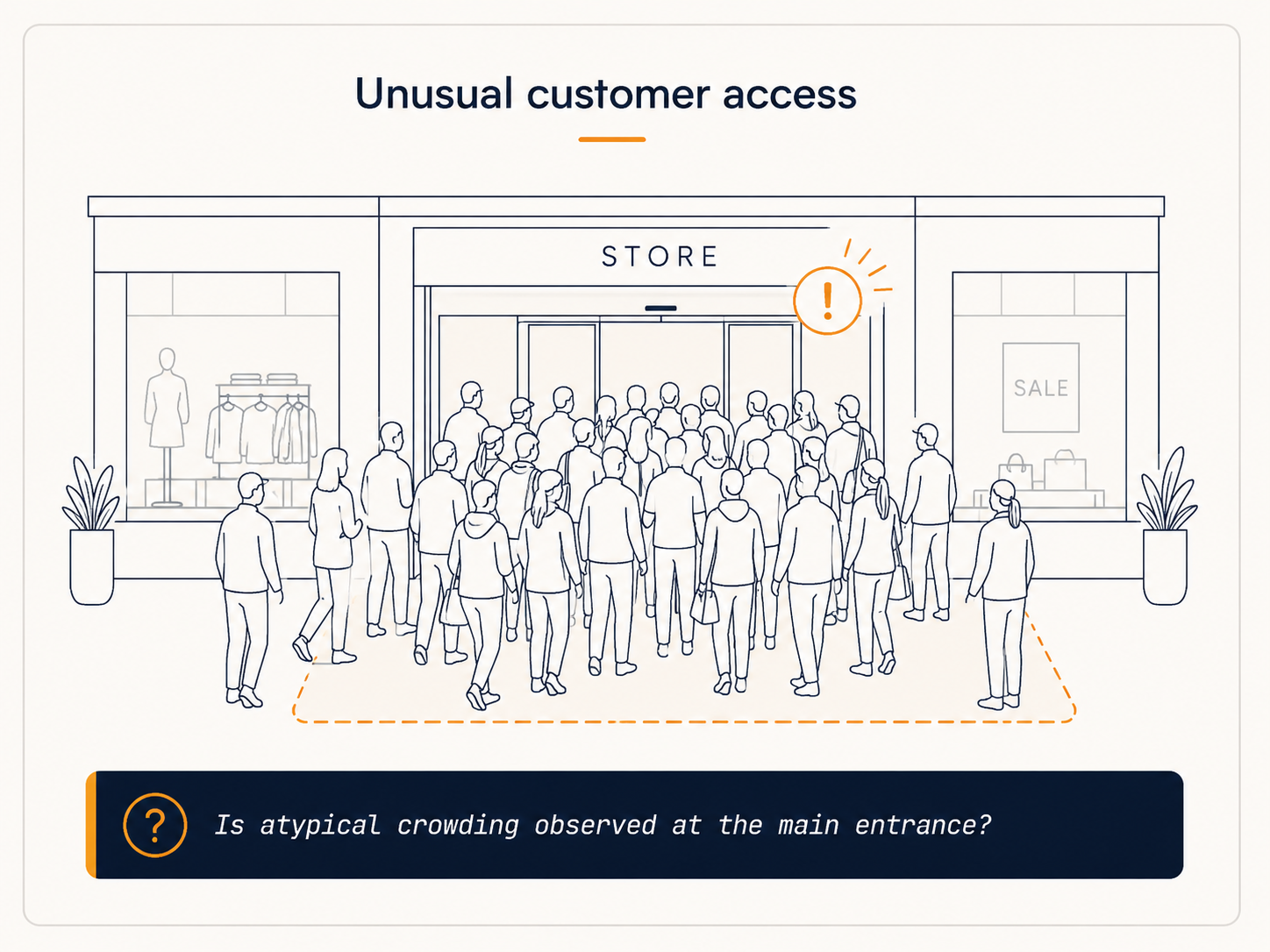
Unusual customer access
Crowding at the entrance or peaks outside the historical pattern.
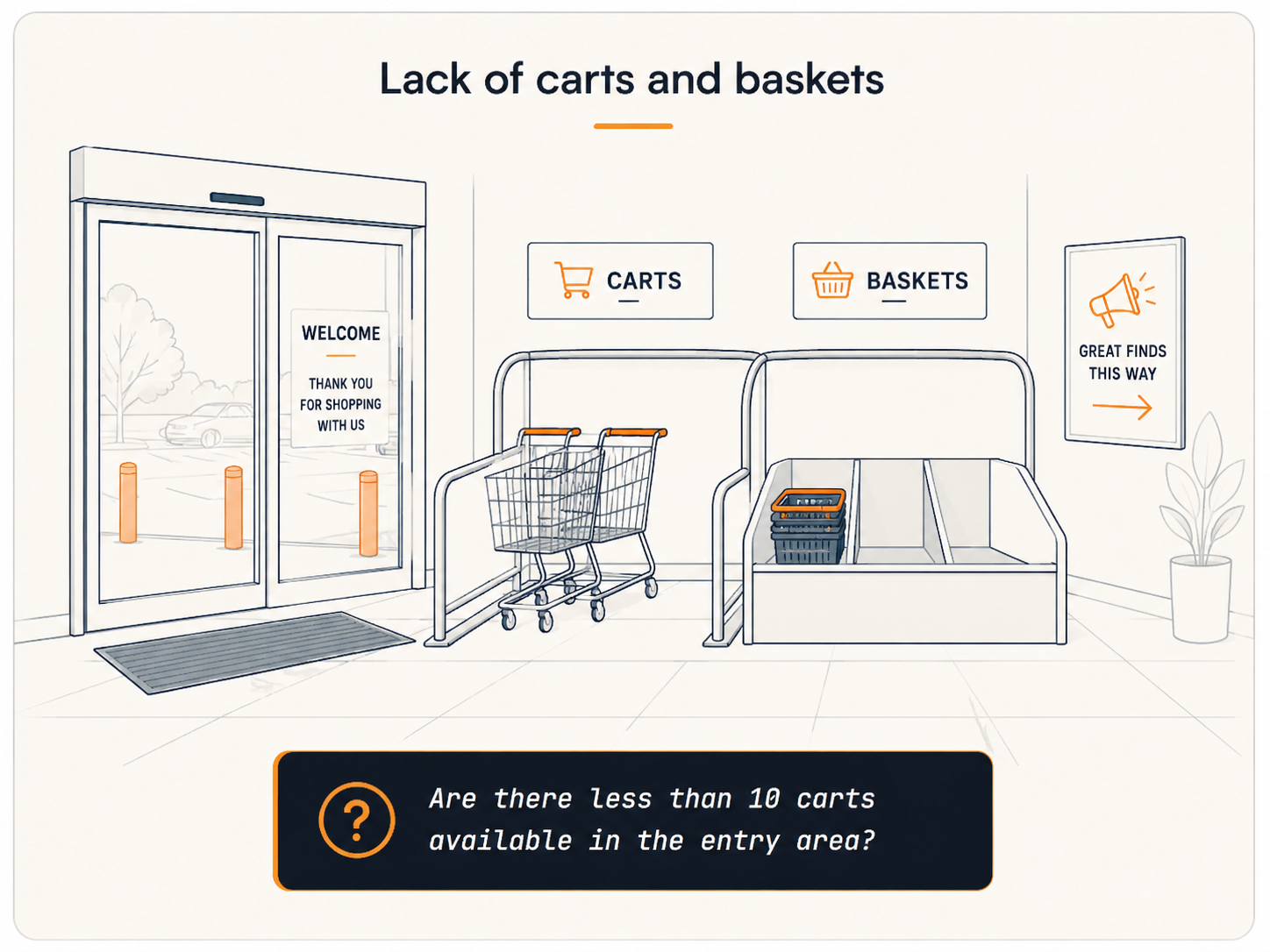
Lack of carts and baskets
Entry area without available carts at the start of the shift.
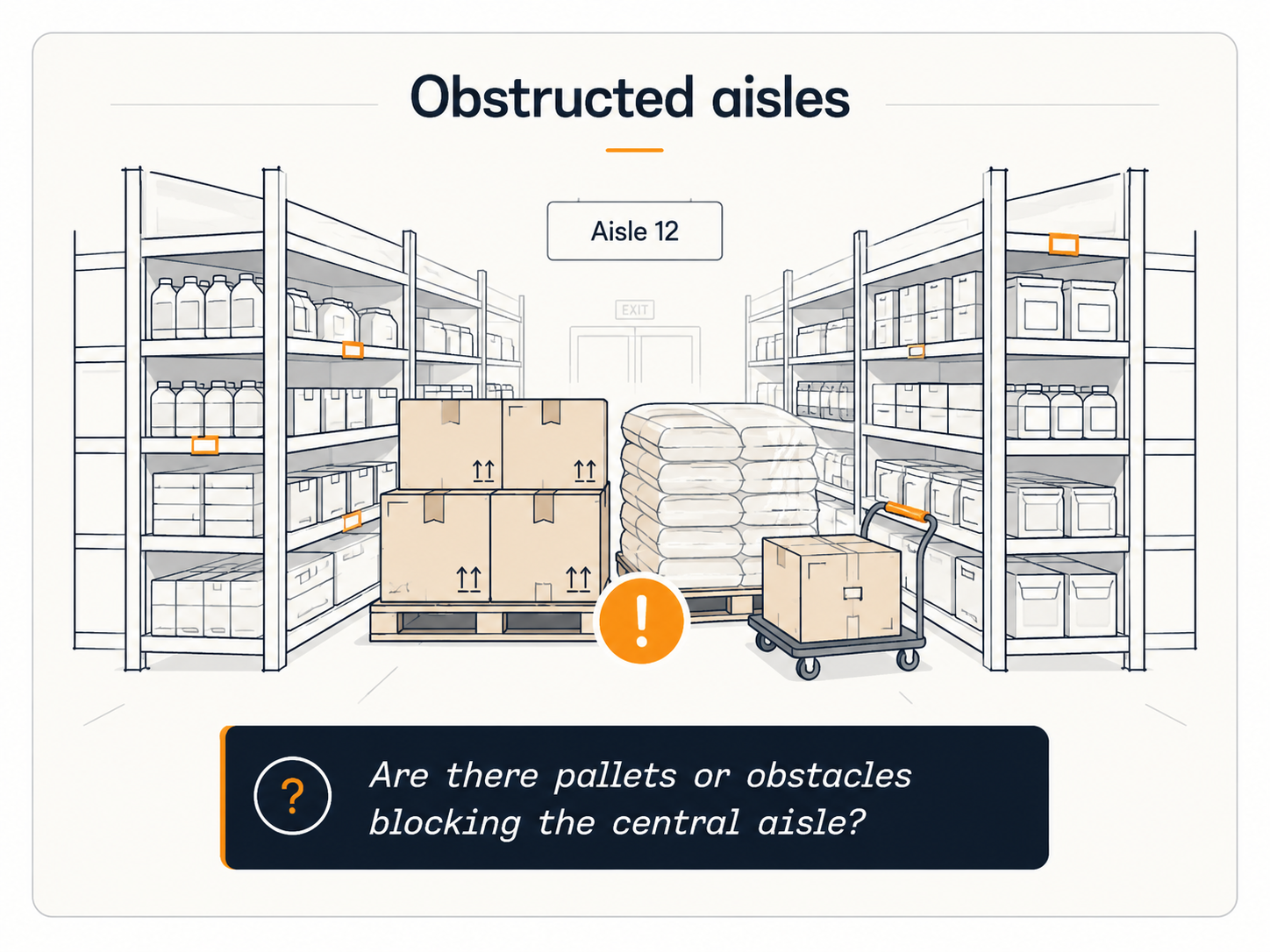
Obstructed aisles
Pallets, boxes or merchandise blocking circulation aisles.
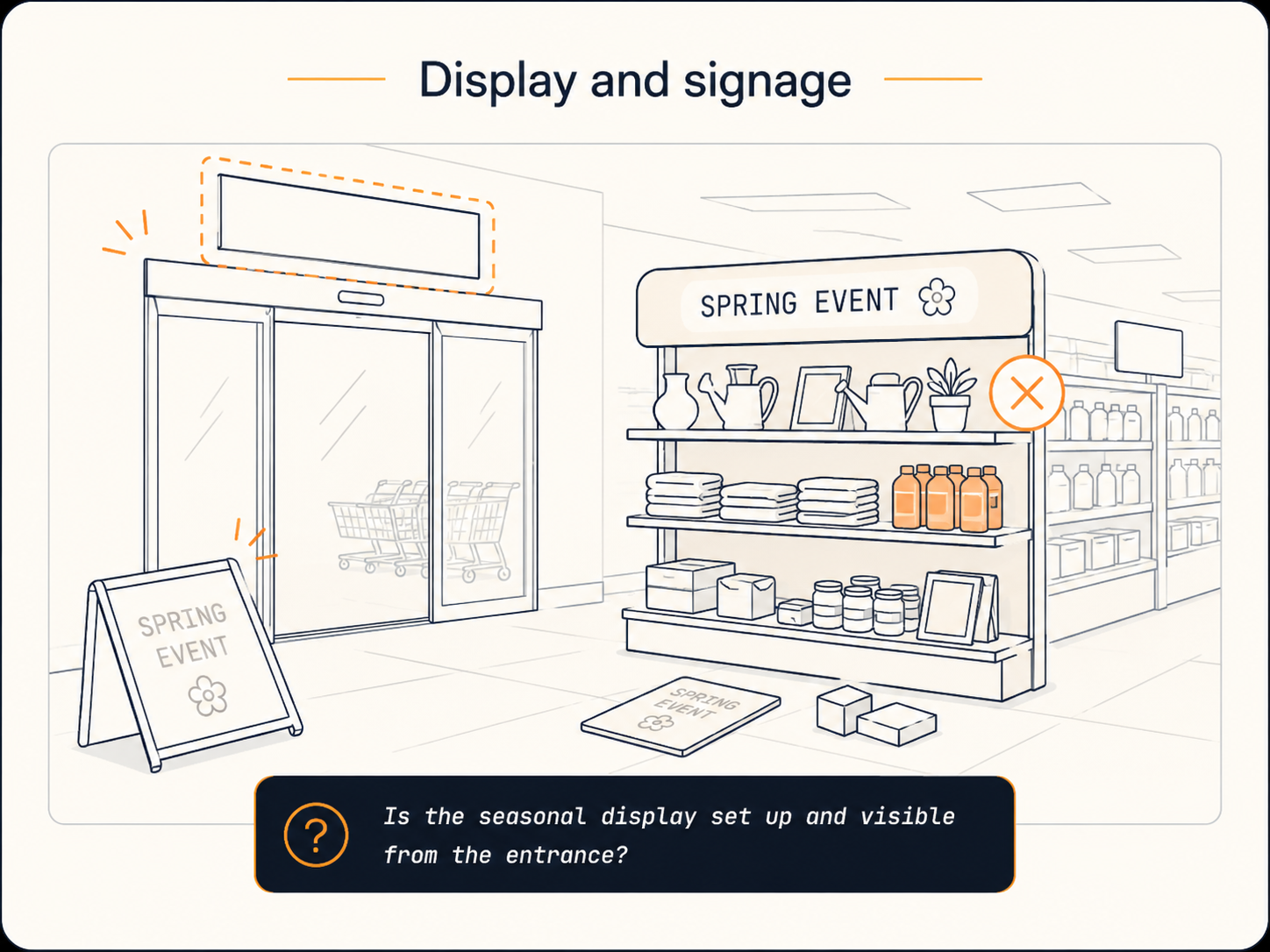
Display and signage
Fallen POPs, missing signage or displays off-planogram.
Gen-AI Alerts FAQ
It is a module that lets you describe in natural language what you want to monitor on a camera and draw the area of interest on the image. KSI takes a frame from that camera at the scheduled times, evaluates it with a vision model and generates a description plus a binary verdict (yes/no).
Any condition you can describe over an image: saturated checkouts, gaps or empty shelves, entrances with unusual crowding, lack of carts or baskets, blocked aisles, or signage and displays off-planogram, among others.
Through the channel it already uses: WhatsApp, email, SMS, Microsoft Teams, or push notifications to the company's own management app.